Simple Dashboard • Easy Safety Steps • Built for Real People

Keep your home or small office safer without technical knowledge.

SecureMyNet helps you see what devices are connected, spot devices you do not recognise, understand risks in clear language, and follow simple steps to improve your safety.

Easy for households and small offices Simple language instead of jargon Clear steps you can actually follow

See Connected Devices

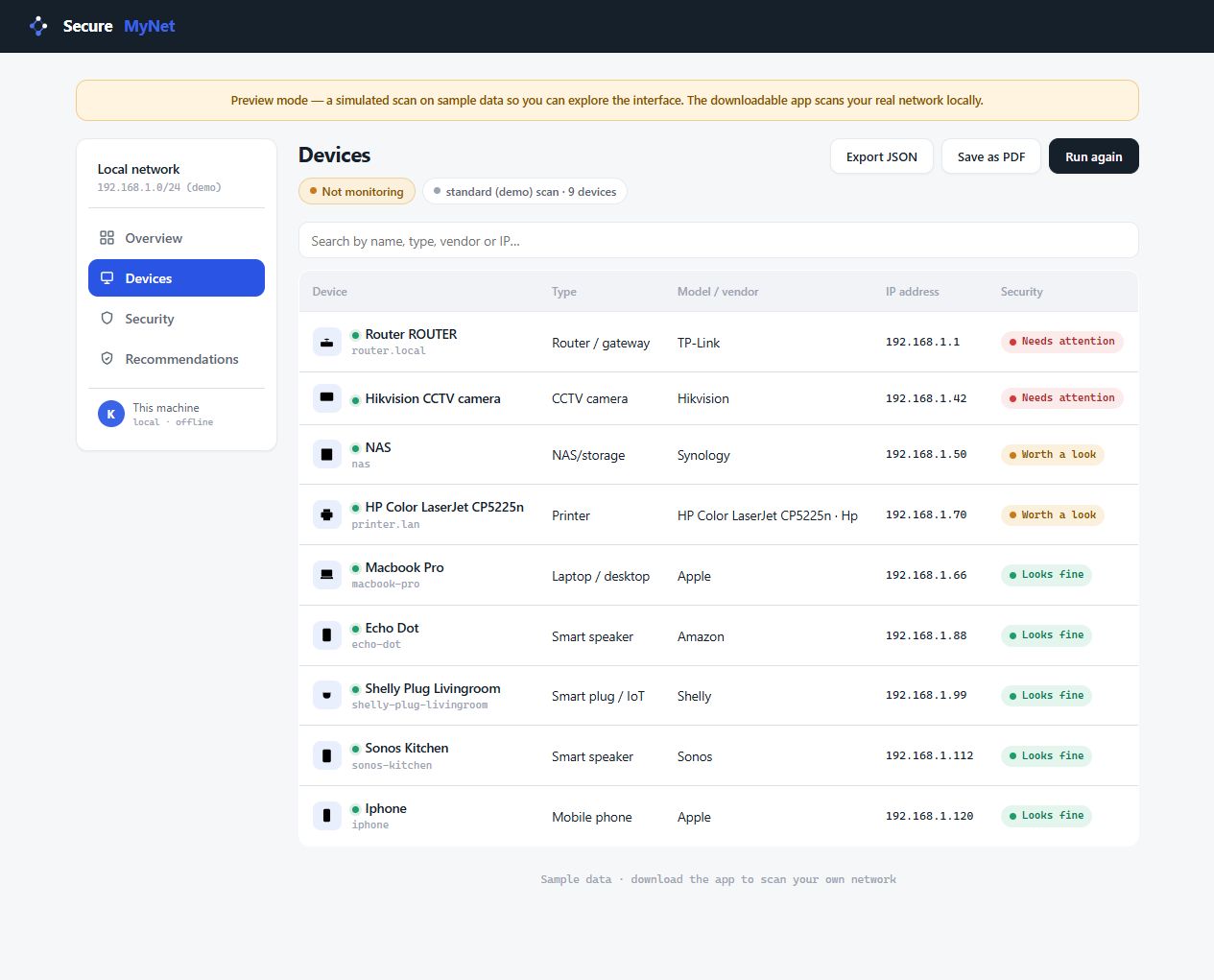
View phones, laptops, printers, TVs, cameras and other devices connected to your network.

Spot Unknown Devices

Quickly review anything unfamiliar so you can act before it becomes a bigger problem.

Follow Simple Actions

Get clear steps like changing passwords, checking settings and improving your safety score.

Good Morning, Emma

See your safety score, connected devices, alerts and next steps in one easy dashboard.

Safety Score 7/10 Simple score that shows how safe your setup looks right now
Devices Found 14 Everything currently seen on your network
Unknown Devices 2 These should be reviewed as soon as possible
Current Plan Shield Your package and support level at a glance

Safety Progress

Current Actions

Review unknown deviceHigh
Change Wi-Fi passwordHigh
Check router settingsMedium
Update a deviceMedium
Check camera passwordLow
Trusted printer savedDone
Core Features

Cyber safety made simple for everyday users

SecureMyNet is built for normal people. It helps you understand what is happening on your network and what to do next, without confusing technical terms.

Clear Safety Score

See a simple score out of 10 so you can quickly understand whether your setup looks strong, needs attention, or should be improved soon.

Unknown Device Alerts

SecureMyNet highlights devices you may not recognise so you can review them quickly and make sure only trusted devices are connected.

Easy Action Plan

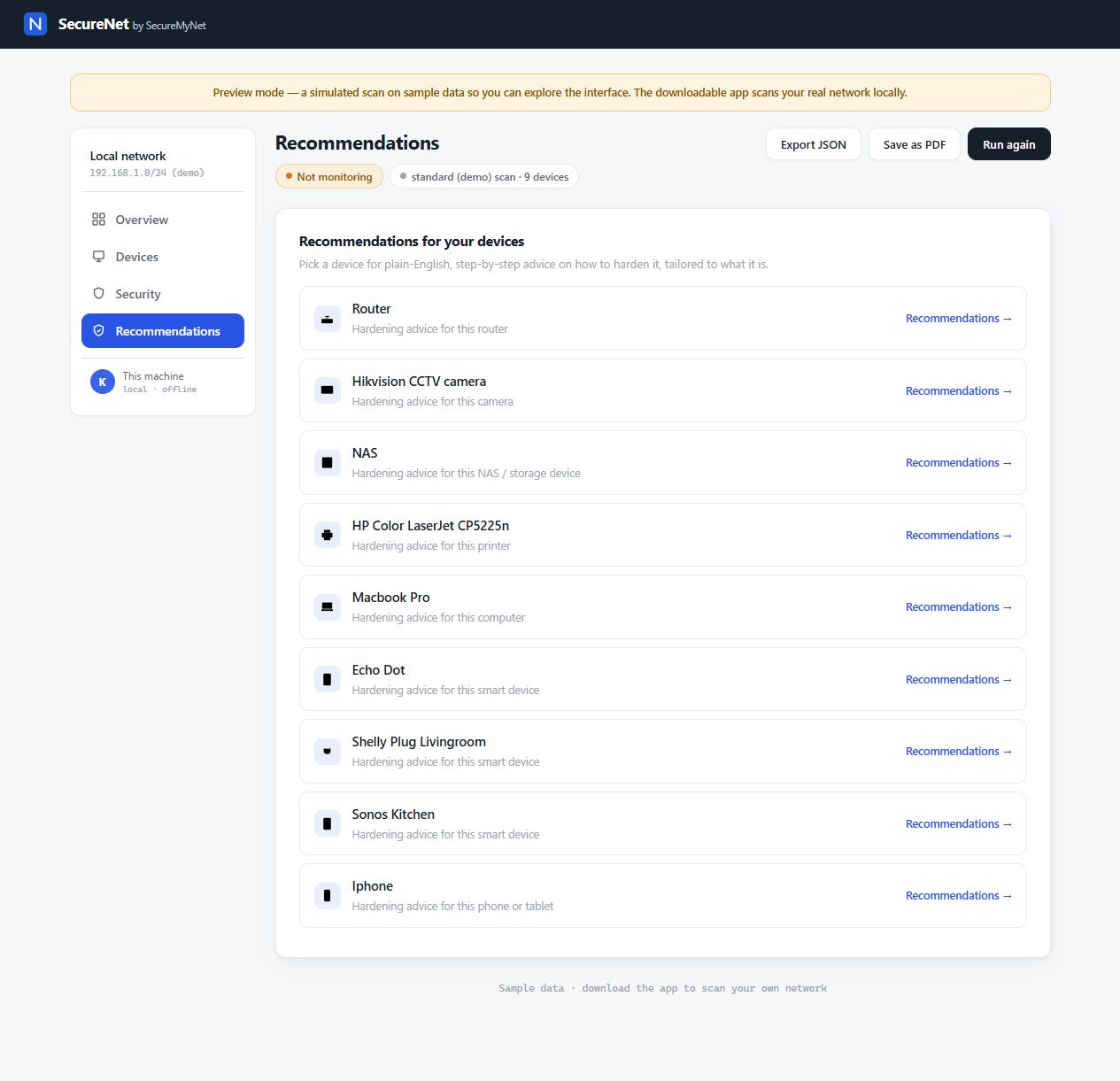
Get simple next steps like changing your Wi-Fi password, reviewing settings, or checking a device password, all written in plain English.

No complex security wording. Just clear visibility, simple alerts and practical steps that households and small offices can follow with confidence.
How It Works

Simple setup. Clear results.

Getting started is easy. Create your account, connect your setup, and start viewing your safety dashboard with devices, alerts and recommended actions.

1

Create your account

Choose the plan that suits your home or office and access your personal SecureMyNet dashboard.

2

Connect your setup

Follow the simple steps to connect your environment so SecureMyNet can begin showing your devices and alerts.

3

Track and improve

Review your score, mark tasks as done, confirm trusted devices and keep improving your safety over time.

10/10 Easy-to-understand safety score
Clear Simple language without technical jargon
Smart Spot devices you know and ones you do not
Easy Friendly dashboard for homes and small offices
Packages

Choose the package that fits your setup

Whether you need simple protection for your home or better visibility for a small office, SecureMyNet gives you a package with clear value and easy-to-follow support.

Starter

Starter

Best for individuals, apartments and smaller homes that want a simple safety overview and clear next steps.
A$19 / month
Great for first-time users and simple home setups
  • Basic safety dashboard
  • Connected device view
  • Simple safety score
  • Unknown device alerts
  • Easy action checklist
  • Mark tasks as done
  • Basic support
  • 1 connected setup
Fortress

Fortress

Designed for larger homes, small offices, shops, clinics and multi-device setups that want stronger oversight and quicker support.
A$79 / month
Built for busier setups with more devices and stronger support needs
  • Everything in Shield
  • More connected setups
  • Longer alert history
  • Better visibility for printers and cameras
  • More detailed task guidance
  • Faster response support
  • Best for small offices
  • Up to 10 connected setups
Custom Care

Custom Care

For larger households, mixed office setups, tailored support needs or customers who want a package shaped around their own environment.
Custom quote
Flexible option for setups that need something more tailored
  • Tailored package size
  • Custom support options
  • Setup request form
  • Suitable for mixed environments
  • Homes and businesses supported
  • Hands-on guidance available
  • Priority tailored support
  • Custom quote and onboarding
Feature
Safety dashboard
Connected device view
Unknown device alerts
Safety score
Action checklist
Progress tracking
Best for
Support level
Connected setups
Starter
Basic
Smaller Homes
Standard
1
Better
Families / Smart Homes
Priority
Up to 3
Fortress
Extended
Small Offices
Fast
Up to 10
Custom Care
Tailored
Custom Environments
Tailored
Custom
Why People Choose SecureMyNet

Friendly, clear and built for real-life setups

SecureMyNet is made for people who want visibility and guidance without the stress of complex security tools or technical dashboards.

Clear View

Know what is connected

See the devices on your network in one place so you can feel more confident about what belongs there and what does not.

  • Easy device list
  • Clear naming and review
  • Helps you recognise what is normal
Simple Guidance

Understand what to do next

Get simple next steps instead of technical terms, so you always know the action that matters most right now.

  • Plain-English advice
  • Simple priority levels
  • Step-by-step action list
Peace of Mind

Improve over time

Track your score, confirm trusted devices and mark actions as done so your setup becomes safer and easier to manage.

  • Track progress clearly
  • Save trusted devices
  • Build better habits over time

Ready to make online safety easier?

SecureMyNet helps homes and small offices see connected devices, spot unfamiliar activity and follow simple steps to stay safer with less stress.

Get Started Customer Login
FAQ

Frequently asked questions

Clear answers for homes, families and small office users considering SecureMyNet.

Who is SecureMyNet for?

SecureMyNet is designed for homes, families, home offices, clinics, shops and small offices that want simple visibility and easy-to-follow safety guidance.

Do I need technical knowledge to use it?

No. SecureMyNet is built for non-technical users. The dashboard uses simple language and clear actions instead of confusing security jargon.

What will I see in the dashboard?

You can see your safety score, connected devices, devices you may not recognise, and a clear checklist of actions to improve your setup.

Can I mark actions as completed?

Yes. You can mark tasks as done so it is easy to track what you have already fixed and what still needs attention.

Is SecureMyNet only for homes?

No. It also works well for small offices and other smaller workplaces that want easy safety guidance without complex systems.

Get started with SecureMyNet

Replace this area with your signup form, package form or custom care request form.

Already registered? Log in here.
WhatsApp